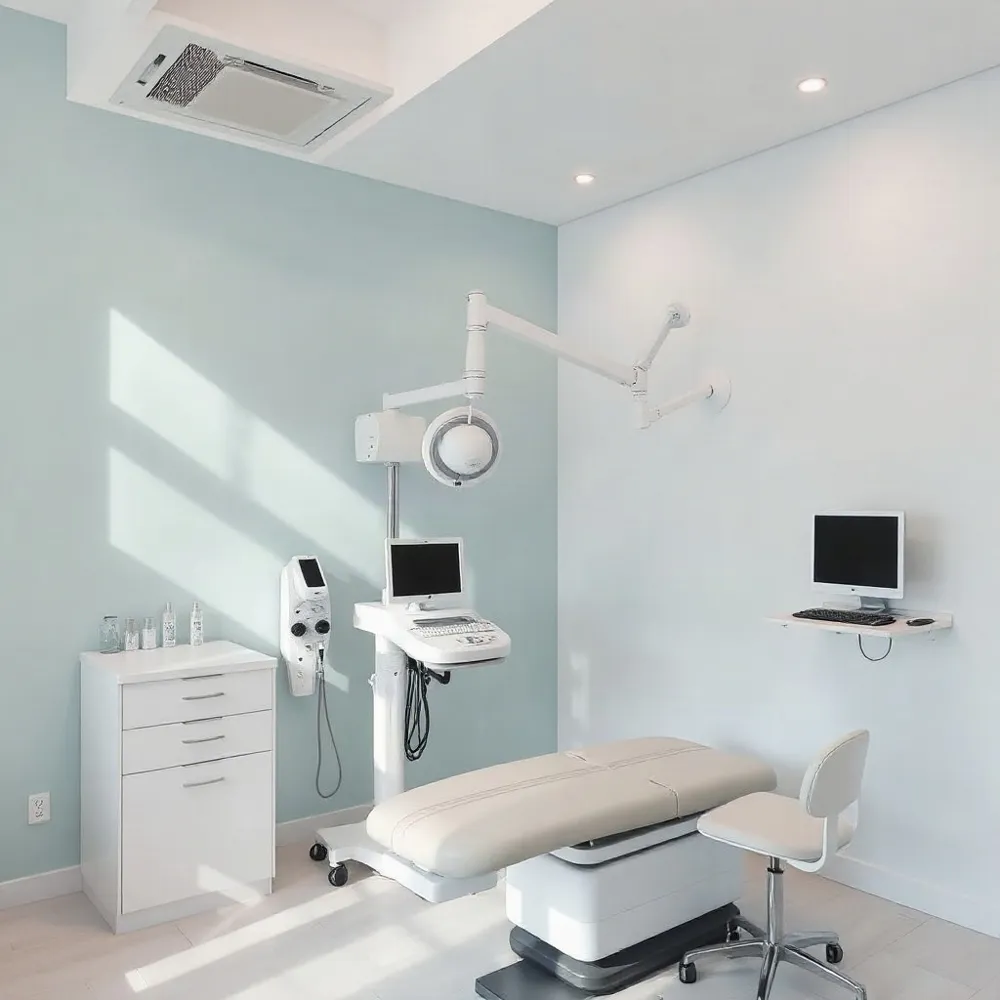
Why Ergonomics Matters for Hand Health
Hand and wrist strain, often called repetitive‑strain injury (RSI), includes conditions such as carpal tunnel syndrome, tendinitis and De Quervain’s tenosynovitis. These disorders arise when the small joints, tendons, nerves and ligaments of the hand are repeatedly overloaded by typing, mouse use or gripping. Poor ergonomics—desk heights that too low or high, elbows bent far from a 90° angle, wrists hyper‑extended or ulnar‑deviated, and monitors placed too low—force the forearm muscles and wrist tendons into awkward postures. This increases pressure on the median nerve, inflames tendons and reduces circulation, eventually leading to pain, numbness, swelling and loss of grip strength. The purpose of this article is to explain why a properly adjusted workstation, neutral wrist alignment, regular micro‑breaks and simple stretches are essential for preventing hand‑related MSDs and to give readers practical steps they can implement immediately in their daily routine and improve overall productivity while reducing healthcare costs.
Foundations of an Ergonomic Workstation
 Ergonomic workstation setup checklist:
- Adjust chair: feet flat (or on footrest), lumbar support follows natural curve, seat depth leaves 2‑3 inches between knee backs and seat edge.
- Desk height: forearms parallel to floor when typing; keyboard and mouse at elbow height, within easy reach.
- Monitor: directly in front, eye level or slightly below, arm’s‑length away; eliminate glare with proper lighting.
- Keep phone, documents, tools within short arm’s reach; use a flat, centered keyboard; wrists straight while typing. Wrist rest only if it prevents bending.
- Micro‑breaks every 30 minutes: stand, stretch, reset posture; perform brief postural checks regularly.
Ergonomic position at desk: Sit with knees at ~90°, hips level or slightly above knees, shoulders relaxed, elbows close to sides. Monitor at eye level, keyboard/mouse at elbow height, wrists neutral. Change posture at least hourly.
Ergonomic office position: Same as above, emphasizing lumbar support and armrests that allow elbows to rest comfortably. Take short hourly breaks to stand and stretch.
Ergonomic desk‑setup diagram description: Chair adjusted so feet rest flat, knees slightly below hips. Monitor centered, arm’s length away, top at eye level. Keyboard and mouse on flat surface at elbow height, wrists straight, forearms parallel. Document holder at monitor height, footrest if needed. Backrest slightly reclined, shoulders relaxed, lumbar curve supported.
These steps create a neutral spine, reduce wrist/finger strain, and promote long‑term comfort for desk workers.
Micro‑Breaks, Stretches, and Hydration
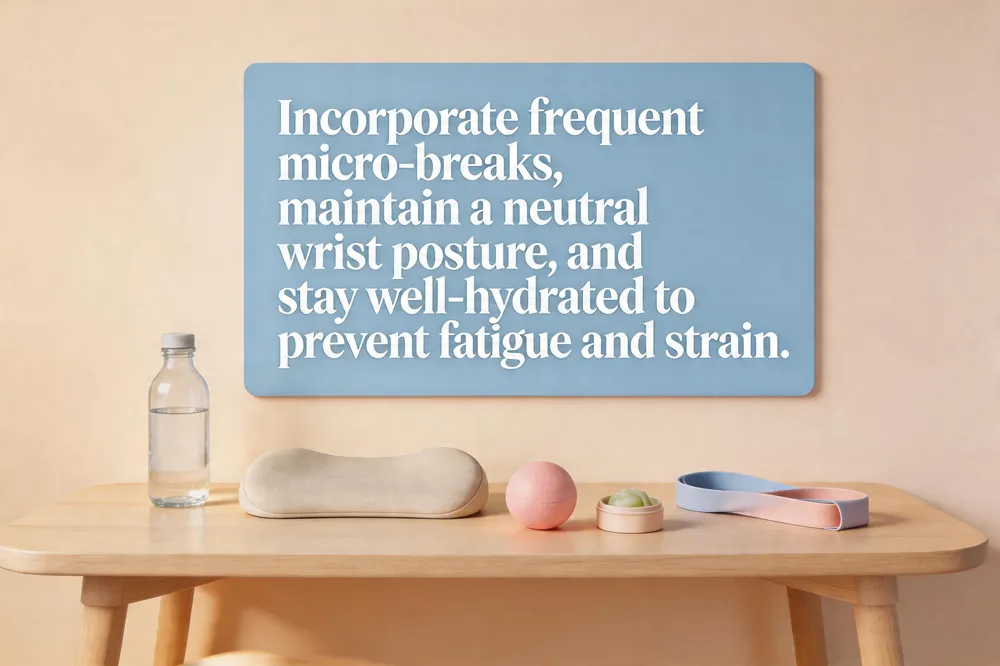
You can prevent hand, wrist, and finger muscle fatigue and ergonomic discomfort by
Keeping the wrists in a straight, neutral wrist position while typing or using a mouse, gripping tools loosely, and choosing ergonomic handles. Incorporate short, frequent micro‑breaks to let the forearm muscles relax, and adjust chair, desk, keyboard and mouse heights so elbows rest at about 90° and forearms are parallel to the floor. Stay well‑hydrated; adequate water intake maintains joint lubrication and reduces friction in wrist cartilage, helping to prevent strain.
Ergonomics in the workplace examples
Adjustable‑height chairs with lumbar support, sit‑stand desks that let you alternate postures, split or tented keyboards and vertical mice that keep wrists neutral, monitor arms that place the screen at eye level, and footrests that keep feet flat. Regularly scheduled micro‑breaks and brief stretching exercises are built into the workday to reduce repetitive‑motion risk.
Examples of bad ergonomics in the workplace
Slouched seating, elbows tucked too close or too far, wrists bent upward or downward, hard desk edges without padding, lack of micro‑breaks, excessive gripping force, and poor lighting that forces forward head posture. These habits increase tension in shoulders, forearms, and wrists, leading to RSI.
Micro‑break schedule – take a 1‑2‑minute pause every 30‑45 minutes; stand, stretch, and shake out the hands. Every hour, add a 5‑minute break for a brief walk or deeper stretches.
Stretching exercises for hands, wrists, and forearms – wrist flexor and extensor stretches (15 seconds each), finger spreads, prayer‑position stretch, forearm pronation/supination circles, and figure‑eight wrist rotations. Perform 2‑3 sets throughout the day.
Hydration and joint lubrication – drink at least 1.5‑2 L of water daily; a well‑hydrated body keeps synovial fluid viscous, supporting smooth wrist movement and reducing inflammation.
Choosing Ergonomic Equipment
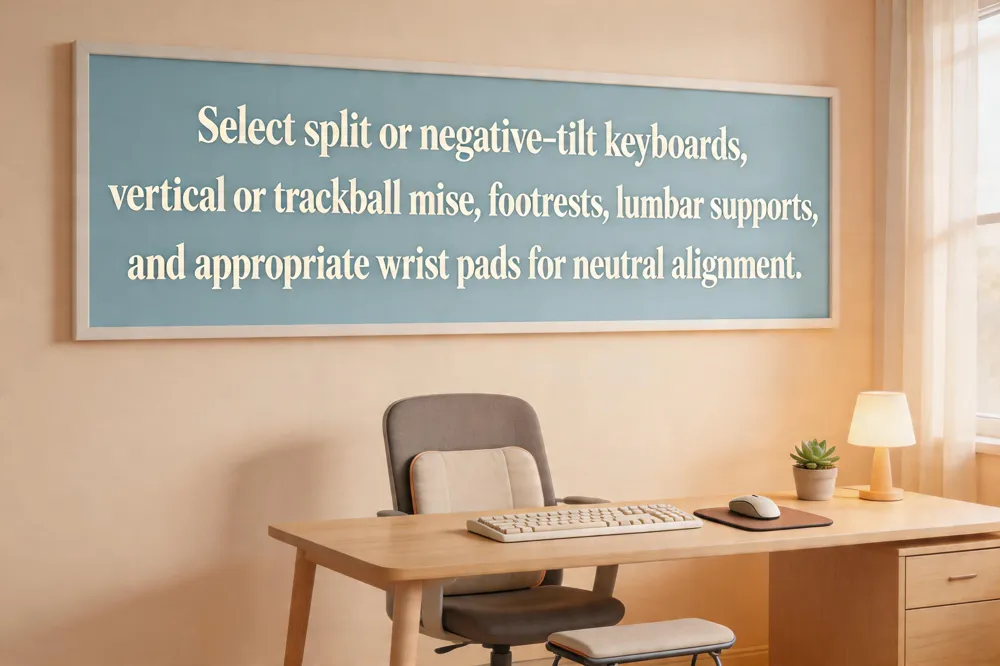 A well‑designed workstation starts with a split or negative‑tilt keyboard that keeps the forearms parallel to the floor and the wrists straight, lowering carpal‑tunnel pressure and ulnar deviation. Pair it with an ergonomic mouse that matches the hand’s natural "hand‑shake" posture; vertical or trackball models keep the wrist neutral, reduce pronation, and minimise repetitive twisting. Popular choices include the Logitech MX Master 4 and the Lekvey ProtoArc, both praised for low‑force, balanced movement.
Wrist rests and pads – When the keyboard is correctly height, a padded forearm rest behind the wrists (not under the hands) provides proprioceptive feedback without bearing load, preventing wrist extension or flexion.
Footrests and lumbar supports – A footrest ensures feet stay flat, knees at or slightly below hip level, while a lumbar cushion maintains the spine’s natural curve. Together they promote an upright posture that indirectly reduces shoulder and wrist tension.
Wrist ergonomics mouse – Choosing a vertical or "hand‑shake" mouse keeps the wrist in a neutral wrist position, decreasing strain on the median nerve and forearm tendons. Look for a lightweight, balanced design with a thumb rest and adjustable DPI.
Office ergonomics PDF – A printable self‑assessment checklist (available from NIH occupational health sites) guides chair, monitor, keyboard, mouse, and lighting setup, plus the 20‑20‑20 eye‑rest rule and homemade footrest ideas.
Hand tool ergonomics – Low‑weight tools with handles aligned to the hand’s center of gravity, ergonomicyn‑slip sleeves, and angled grips support a neutral wrist and lower the risk of tendonitis.
Ergonomic tips for desk workers PDF – Summarises five key points: adjustable chair with lumbar support, eye‑level monitor, elbow‑height keyboard/mouse, reachable work items, and 30‑minute micro‑breaks with stretches. This quick reference helps maintain healthy wrist posture throughout the day.
Anthropometry and Design Principles

What does anthropology focus on in ergonomic design
Anthropometry provides measurable data on human height, limb length, reach, and joint ranges, usually expressed in percentile values (e.g., 5th‑percentile female to 95th‑percentile male). Designers use these dimensions to size chairs, desks, keyboards, mice, and accessories so that most users can maintain neutral postures, reduce strain, and work comfortably.
Ergonomic desk setup diagram
A typical diagram shows a chair adjusted so feet rest flat on the floor, knees slightly below hips, and lumbar support engaged. The monitor sits an arm’s length away, the top of the screen at or just below eye level, keeping the neck neutral. Keyboard and mouse are placed at elbow height on a level surface, allowing wrists to stay straight and forearms parallel to the floor. A footrest or document holder can be added for reach and posture support.
Ergonomic tips for desk workers PDF
- Choose an adjustable chair with lumbar support and keep feet flat or on a footrest.
- Position the monitor at eye level, arm’s length away.
- Keep keyboard and mouse at elbow height; use a flat keyboard with a small wrist rest and keep the mouse close.
- Keep frequently used items within easy reach and use task lighting.
- Take short breaks every 30 minutes, follow the 20‑20‑20 rule, and perform regular stretches. These five points can be compiled into a concise PDF for quick reference.
Environmental and Task‑Specific Factors
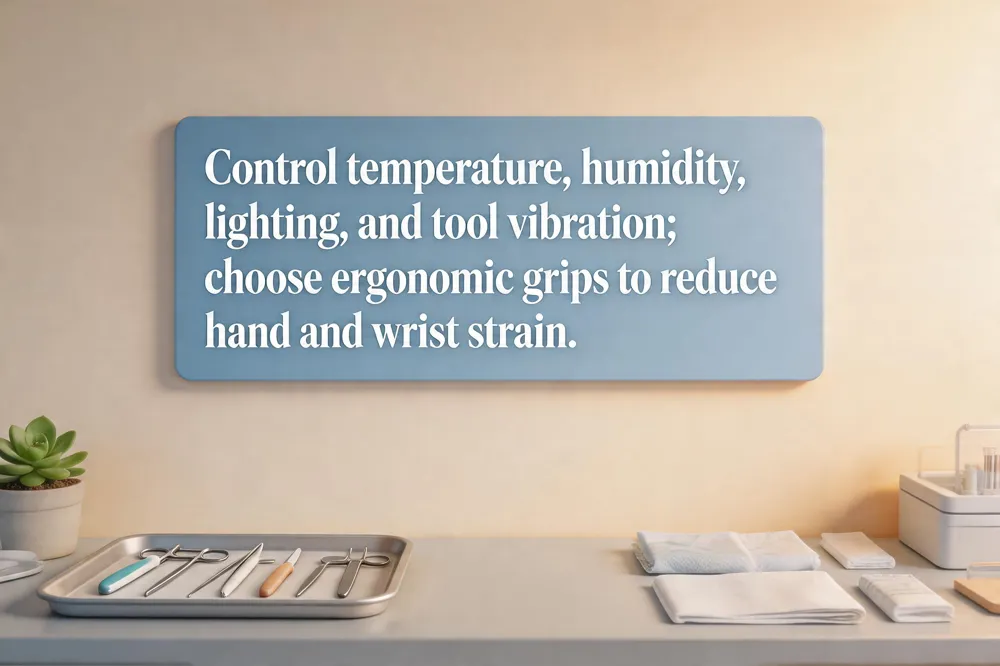 Lab temperature and humidity directly affect hand and wrist ergonomics. Cold environments reduce finger dexterity, causing workers to grip more forcefully and increase tendon stress, while excessive heat can cause sweating that leads to tighter grips and loss of fine motor control. Maintaining a stable, moderate temperature and using humidifiers or fans as needed keeps tissues supple and reduces unnecessary muscle tension.
Tool vibration and grip design are major contributors to repetitive‑strain injuries. Devices that vibrate heavily or have long, straight handles force the wrist into flexion or ulnar deviation, height the carpal tunnel and forearm tendons. Ergonomic solutions include padded, contoured grips that keep the wrist neutral, trigger switches operable with the middle finger or thumb to and vibration‑dampening mounts. Selecting tools that promote a straight wrist and minimize forceful pinching can dramatically lower injury risk.
Lighting and visual strain also impact hand posture. Poor illumination forces users to lean forward or tilt the neck, which in turn pulls the shoulders and forearms into awkward angles that strain the wrists. Adequate, glare‑free lighting positioned at eye level combined with the 20‑20‑20 rule helps maintain a neutral spine and upper‑extremity alignment, reducing cumulative stress on the hand and wrist.
Prolonged or frequent use of tools that can cause hand, wrist, and finger ergonomic problems – Tools that vibrate heavily from rapid movement are a common source of hand, wrist, and finger ergonomic problems. Handles that force the wrist into a bent or awkward position—such as straight or overly long grips—also increase strain on tendons and muscles. Excessive forceful pinching or pressure on the palm, especially with narrow or slippery handles, contributes to repetitive‑stress injuries. In contrast, tools with smooth, ergonomically shaped handles that keep the wrist straight, padded grips for cushioning, and trigger switches that allow use of the middle finger or thumb can help prevent these issues. Selecting equipment that promotes a neutral wrist posture and reduces vibration is essential for long‑term hand health.
Can environmental conditions in the lab contribute to the development of ergonomic injury? – Yes. The physical environment of a laboratory—temperature, lighting, workstation layout, and the design of tools and equipment—directly influences how a researcher positions their body and how much repetitive strain they experience. Cold temperatures can reduce dexterity, causing workers to grip more forcefully, while poor lighting or cramped workspaces may force awkward postures at microscopes, hoods, or benches. Inadequate chairs, unstable footrests, and improperly placed supplies increase shoulder, wrist, and back loading, accelerating cumulative‑trauma injuries. Even ambient noise or vibrations can lead to tension and reduced focus, prompting muscular tightening and poor ergonomics. Addressing these environmental factors through proper ergonomics planning, adjustable furniture, and climate control helps prevent the development of musculoskeletal disorders.
Ergonomic ergonom PDF – If you’re looking for a printable guide to improve your workstation, the “Office Ergonomics PDF” is a free resource that outlines a self‑assessment checklist, chair‑adjustment tips, monitor positioning, lighting, and break‑reminder strategies. It includes step‑by‑step instructions for setting up your chair, keyboard, mouse, and monitor to reduce strain on the back, neck, wrists, and eyes. The PDF also contains a 20‑20‑20 visual‑rest rule, suggestions for using homemade footrests and lumbar supports, and a quick‑scan checklist for employers. You can download the complete PDF from the National Institutes of Health occupational health website or from the American Occupational Therapy Association’s home‑office ergonomics page. Having this PDF on hand makes it easy to regularly audit your workspace and implement ergonomic best practices.
Implementing and Maintaining Ergonomic Habits
 Best ergonomic tips for desk workers
Adjust your chair so feet rest flat (or on a footrest) and knees form a 90‑degree angle, keeping the back supported and elbows close to the sides. Position the monitor an arm’s length away with the top of the screen at or just below eye level to avoid neck flexion. Place the keyboard and mouse at elbow height, keep wrists straight and forearms parallel to the floor, and use a padded wrist rest only during pauses. Keep frequently used items within easy reach, and take a brief stand‑up or stretch break every hour—alternating sitting and standing on a height‑adjustable desk when possible.
Ergonomics in the workplace examples
Adjustable‑height chairs, sit‑stand desks, ergonomic split keyboards, vertical mice, monitor arms, footrests, and lumbar‑support cushions are all practical examples that promote neutral wrist, shoulder, and spine alignment. Integrated micro‑breaks and stretching routines further reduce repetitive‑motion strain.
What is a common ergonomic hand, wrist, and finger hazard on the job?
A frequent hazard is repetitive work with a bent, non‑neutral wrist while applying forceful finger pressure—e.g., using screwdrivers, pliers, or knives at an angle. This forces tendons to glide over bone and ligament, leading to tendonitis or tenosynovitis.
Regular ergonomic assessments
Schedule quarterly workstation reviews using a checklist (chair height, monitor level, keyboard/mouse placement, foot support). Adjust settings promptly to maintain neutral postures.
Professional evaluation
Consult an occupational therapist, hand therapist, or board‑certified orthopedic surgeon if pain, numbness, or tingling persists beyond two weeks.
Resources and checklists
Utilize free online tools such as the Office Ergonomics Workstation Self‑Assessment, OSHA guidelines, and manufacturer‑specific setup guides to keep your workstation compliant and comfortable.
Take the First Step Towards Pain‑Free Desk Work
To keep your hands, wrists and elbows healthy, start by setting your chair so feet rest flat, knees at 90°, and lumbar support is engaged. Position the monitor an arm’s length away with the top at eye level, and place the keyboard and mouse at elbow height so forearms are parallel to the floor and wrists stay straight. Use a split or negative‑tilt keyboard and a vertical or trackball mouse to limit ulnar deviation, and keep a wrist pad that supports the palm but does not bend the wrist. Take micro‑breaks every 20‑30 minutes to stretch fingers, rotate wrists, and stand briefly. Download the ergonomic PDFs and checklists provided in this guide, follow each item, and track your progress. For evaluation, contact Dr. Rebecca S. Yu, MD, at 555‑123‑4567 or email ryu@handclinic.com.