Why Hand and Wrist Health Matters for Gamers
Gaming‑related musculoskeletal injuries are now common; professional esports athletes log 5.5–10 hours daily and casual players average an hour, yet both groups experience repetitive‑stress conditions such as de Quervain’s tendinosis, carpal tunnel, and lateral epicondylitis. Each controller move—500–600 per minute—places continuous load on fingers, hands, wrists, and elbows, leading to pain, numbness, and reduced performance. Early prevention is essential because once tendon inflammation or nerve compression sets in, recovery can be prolonged and may require surgery. Simple ergonomic habits—maintaining a neutral wrist, using supportive chairs and adjustable input devices, and taking micro‑breaks every 30–45 minutes—combined with regular stretching (e.g., hand blossom, assisted hand, finger, and lumbrical stretches) dramatically lower injury risk and keep gamers at peak performance.
Ergonomic Foundations: Keyboard, Mouse, Chair and Wrist Alignment
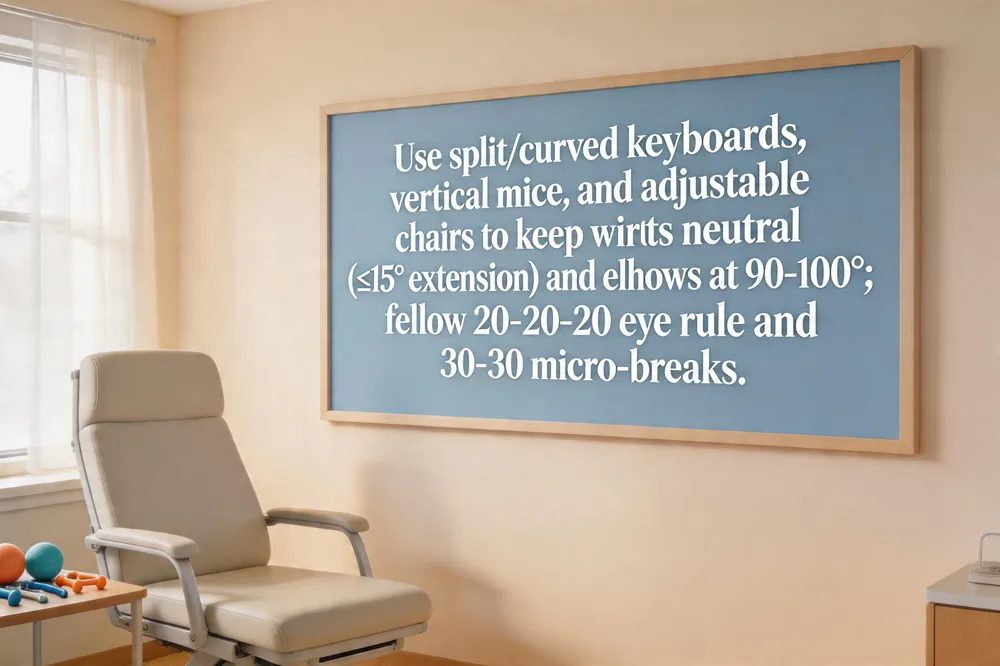 An ergonomic keyboard keeps wrists neutral by using a split or curved layout, low‑actuation‑ mechanical switches, and optional tenting or negative tilt. Detachable wrist rests and palm‑support cushions further reduce strain during long sessions. An ergonomic mouse with a sculpted or vertical shape supports a handshake position, minimizing wrist extension and forearm pronation; models such as the Razer Pro Click V2 or Logitech MX Master 4 offer programmable buttons and high‑speed polling while keeping the hand relaxed. A gaming chair with adjustable lumbar support, seat height, armrests and back‑tilt lets elbows rest at 90‑100°, forearms parallel to the floor, and shoulders down, protecting the wrists and elbows. Wrist‑neutral posture means the wrist stays straight, with less than 10‑15° extension, achieved by a low‑profile mouse pad and keeping the mouse close to the keyboard. Follow the 20‑20‑20 rule: every 20 minutes look 20 feet away for 20 seconds to ease eye strain. Apply the 30‑30 rule: a 30‑second micro‑break every 30 minutes, relax hands in a neutral “handshake” position and stretch briefly.
Stretching and Warm‑Up Routines for Hands and Wrists
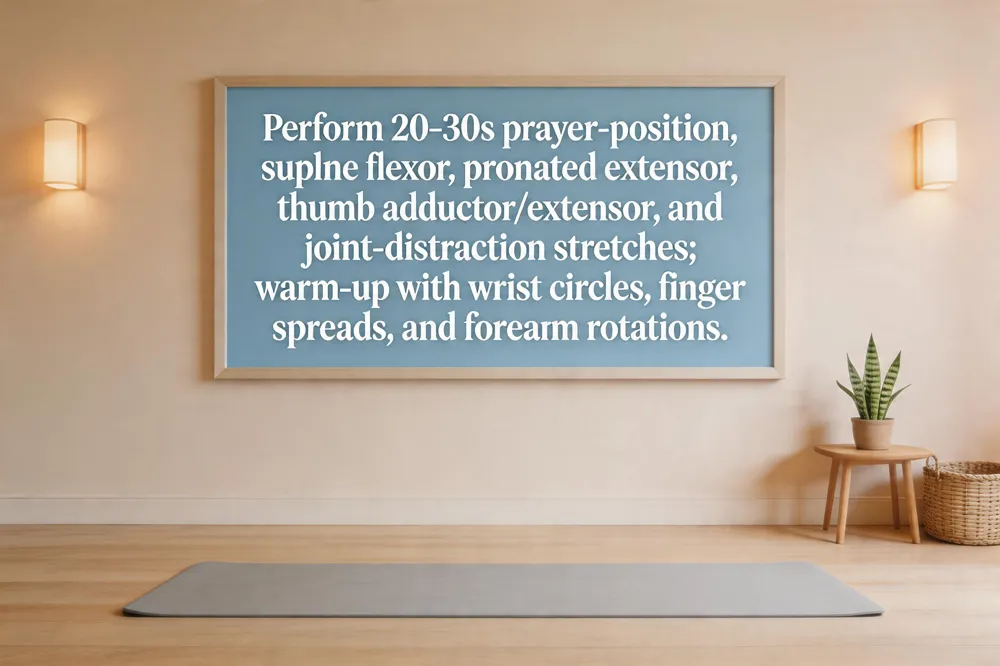
Hand stretches for gamers
Gentle, pain‑free stretches held 20‑30 seconds are ideal. Begin with the prayer‑position stretch (palms together, elbows out, then lower hands). Follow with supine flexor and pronated extensor stretches for each forearm, a thumb adductor and thumb extductor stretch, and brief joint‑distraction moves for each finger and the wrist.
Hand warm‑ups for gaming
Boost circulation with 10‑15 seconds of wrist circles, then open‑close fists for 30 seconds. Spread fingers wide, hold, close them, and tap fingertips on a flat surface. Add forearm pronation‑supination rotations and a quick hand massage to increase warmth before play.
How to relieve hand pain from gaming
Take micro‑breaks every 30‑45 minutes; stand, shake out hands, and perform a hand blossom or wrist flexor/extensor stretch. Apply ice 10‑15 minutes after long sessions, use OTC NSAIDs if needed, and strengthen forearms with rubber‑band finger extensions. Seek a hand‑specialist if pain persists.
How to get rid of hand fatigue
Schedule short stretches every 30‑60 minutes: fist clenches, finger lifts, thumb circles (2‑3 sets of 10 reps). Apply heat before/after activity, massage forearms, keep wrists neutral with ergonomic supports, stay hydrated, and maintain good posture.
How can I stop making my hand numb after gaming?
Maintain a neutral wrist supported by a palm‑rest, take 5‑minute breaks every 30‑45 minutes, perform wrist circles, flexor/extensor stretches, and open‑close finger drills. Warm‑up with a stress ball, finish with gentle wrist flexion/extension, and avoid a tight grip. Persistent numbness warrants professional evaluation.
Stretches for gamers back
Include a cat‑cow sequence (30 seconds), child’s pose with side bend (20‑30 seconds each side), seated 90/90 hip‑flexor stretch (45 seconds), lying figure‑four stretch (45 seconds), and a standing back extension (15‑20 seconds, 2‑3 repetitions) to keep the spine mobile during long gaming sessions.
Targeted Strengthening for Gaming Performance
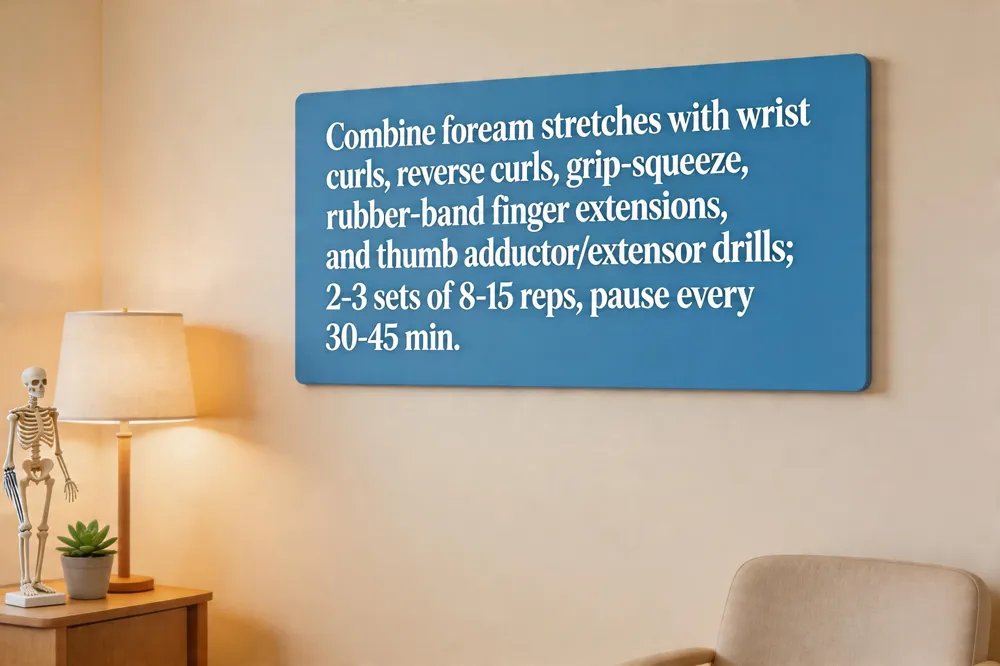 Gamers need a balanced routine that couples gentle stretching with focused strengthening to keep the hand‑wrist complex resilient during thousands of controller moves per minute. Begin each session with forearm flexor/extensor stretches (prayer, reverse‑prayer, supine flexor, pronated extensor) held 30 seconds, then move to targeted exercises: wrist curls and reverse curls (8‑12 reps, 2‑3 sets) to build flexor and extensor endurance; grip‑squeeze or towel‑twist drills for overall hand strength; finger‑extension with a rubber band to fortify intrinsic finger muscles; and thumb‑adductor and thumb‑extensor moves to guard against de Quervain’s tendinopathy. Xbox players can add thumb‑opposition stretches and forearm pronation/supination drills that mimic controller use, while mouse users benefit from wrist‑extension stretches, finger‑spread/fist‑clench cycles, and wrist circles to maintain joint mobility.
Best hand wrist exercises for gamers – Combine the four forearm stretches with wrist curls, reverse curls, grip‑squeeze, rubber‑band finger extensions, and thumb‑specific stretches; pause every 30‑45 minutes to stretch and consult Dr. Rebecca S. Yu if pain arises.
How to strengthen wrists for gaming – Warm‑up with a wall‑press stretch, then perform wrist curls, reverse curls, and forearm pronation/supination drills (2‑3 sets, 12‑15 reps); finish with static stretches and ergonomic setup.
Hand wrist exercises for Xbox – Warm‑up finger pulls, wrist‑flexion/extension drills, pronation‑supination rotations, thumb‑opposition stretches, and 30‑second micro‑breaks every half hour.
Hand exercises for mouse users – Wrist‑extension stretch, finger‑spread/fist‑clench, wrist circles, and regular 5‑minute breaks to reset posture and reduce grip load.
Are hand exercises good for gamers? – Yes; they improve tendon flexibility, blood flow, and grip endurance, lowering the risk of RSI and carpal tunnel.
How to fix gamer hands? – Take frequent 5‑minute breaks, stretch hands and wrists, maintain neutral wrist posture, and keep shoulders relaxed.
How to fix gamer fingers? – Rest, ice, NSAIDs if needed, then perform thumb‑adductor / thumb‑extensor stretches, rubber‑band finger extensions, and ergonomic controller adjustments; seek specialist care for persistent symptoms.
Pain Management, Conditions and When to Seek Care
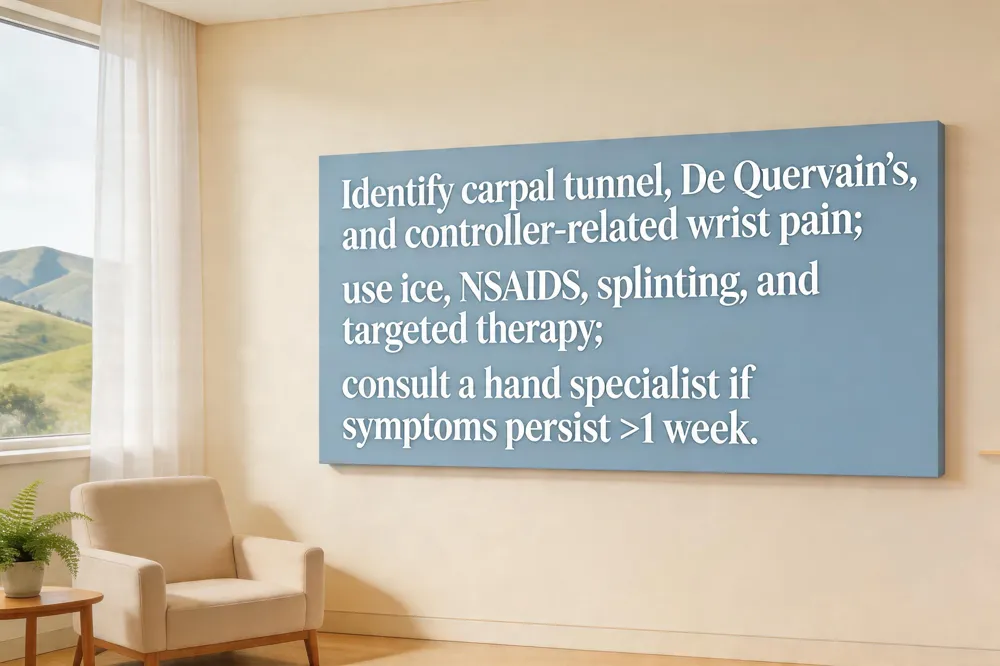 Carpal tunnel syndrome is nerve compression in the wrist’s carpal tunnel, causing numbness, tingling and weakness in the thumb and three fingers. Symptoms worsen with hand motion and at night; diagnosis uses exam and may include nerve‑conduction studies. Treatment: wrist splinting, activity modification, physical therapy and NSAIDs; surgery if conservative care fails.
Gamer hand syndrome includes De Quervain’s tenosynovitis (“gamer’s thumb”) and carpal tunnel. Pain, swelling and a snapping sensation near the thumb base, plus tingling into the forearm, signal these issues. Care: rest, NSAIDs, splinting and targeted therapy; cases may need corticosteroid injection or release by a hand‑specialist such as Dr. Rebecca S. Yu.
Controller‑related wrist pain comes from gripping and awkward angles. Keep wrists neutral, support forearms, take 30‑45 minute micro‑breaks, stretch and use grips. If pain persists >1 week, or with swelling, numbness or weakness, seek evaluation.
To stop wrist pain while gaming, pause every 30‑45 minutes for a 5‑minute stretch, keep wrists straight, use wrist circles and finger lifts, and ice after sessions. Symptoms merit a visit to an orthopedic hand surgeon.
Break Strategies, Posture and Fatigue Management
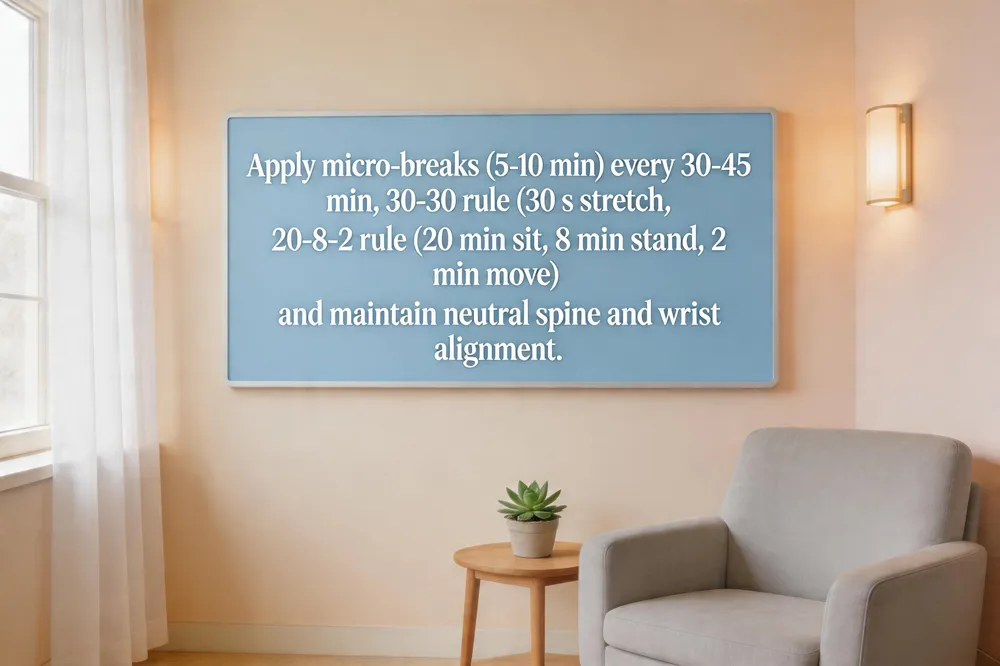 Micro‑breaks are short pauses of 5–10 minutes taken every 30–45 minutes of continuous play. The “30‑30 rule” (30 seconds of stretch after 30 minutes) and the “20‑8‑2 rule” (20 min sitting, 8 min standing, 2 min moving/stretching) keep blood flowing and prevent static loading of the neck, shoulders, and wrists. Bad gaming posture—slouching, leaning forward, elbows on the knees—creates chronic strain on the spine and upper‑extremity joints, leading to fatigue, nerve irritation and over‑use injuries. Maintaining a neutral spine, ears over shoulders, hips back, and feet flat, while keeping the monitor at eye level, reduces these risks.
For Xbox players, hand fatigue can be limited by a relaxed grip, neutral wrist alignment, and micro‑breaks every 20–30 minutes with finger‑wiggles and wrist circles. Simple endurance drills such as finger lifts and thumb flexes, and “lace‑together” stretches build tendon capacity.
To stop hand numbness, keep wrists supported and neutral, take 5‑minute breaks, perform wrist circles and flexor/extensor stretches, and warm the hands before play. Persistent numbness warrants evaluation by a hand specialist such as Dr. Rebecca S. Yu for and personalized guidance.
Professional Care and Personalized Recommendations
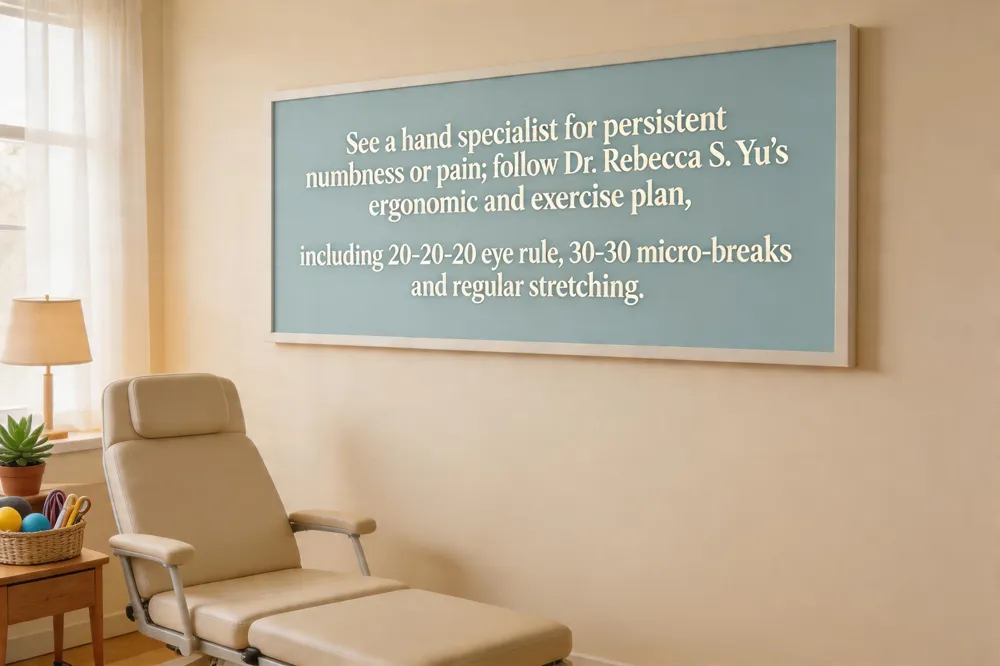 When to see a hand specialist – Persistent numbness, tingling, swelling or pain after regular breaks and stretching should be evaluated to prevent chronic tendinitis, De Quervain’s tenosynovitis or lateral epicondylitis.
Treatment pathways – Ice, heat, NSAIDs, then the stretches (hand blossom, assisted hand, finger, lumbrical) and forearm strengthening. If pain continues, splinting, corticosteroid injection or surgical release may be needed.
Dr. Rebecca S. Yu – Board‑certified orthopedic hand surgeon who diagnoses, treats and creates preventive plans that blend ergonomics with stretching.
Ergonomic & exercise plan – Apply the 30‑30 rule (30‑second micro‑break every 30 minutes) and the 20‑20‑20 eye rule; use an ergonomic chair with lumbar support, keep wrists neutral and use a relaxed‑grip controller. Hand‑blossom and lumbrical stretches keep flexibility.
What is the 20‑20‑20 rule for video games? – Every 20 minutes look at something ≥20 feet away for at least 20 seconds to relax eye muscles.
What is the 30‑30 rule in ergonomics? – Take a 30‑second micro‑break every 30 minutes, relax hands in a neutral “handshake” position and stretch briefly.
Ergonomic Gaming Chair – Lumbar support, seat height, armrests and back‑tilt keep shoulders down and wrists neutral, reducing injury risk.
How to fix gamer fingers? – Rest, Ice thumb‑wrist 15‑20 minutes, NSAIDs, gentle thumb stretches, strengthening and ergonomic controller adjustments. If symptoms persist >1 week, see Dr. Yu for splinting or surgery.
Take Action for Long‑Term Gaming Comfort
To keep your hands healthy while gaming, adopt a neutral wrist posture (straight, no excessive bend) and support forearms with a chair‑adjusted desk or armrest. Use ergonomic controllers, vertical mice, or split keyboards that keep the wrist at or slightly below elbow height and avoid a tight “death grip.” Take a micro‑break every 30‑45 minutes: stand, stretch, and perform the four core hand stretches—Hand blossom, Assisted hand, Finger, and Lumbrical—holding each for 5‑10 seconds and repeating three times per hand. If pain, tingling, or weakness persists, stop playing and schedule an evaluation. Quick appointment booking is available with Dr. Rebecca S. Yu (call (404) 255‑0226 or use the online My Choice portal) so you can address issues before they become chronic.